Real estate photo editing
Real estate photo editing: fix the presentation, not the property
Five edits cover almost every listing. Each one has a way to go wrong.
2 free listings a month · No card
The five edits
| Edit | Use it for | Where it goes wrong |
|---|---|---|
| Blue sky | Grey or blown out skies on exteriors | The house is still lit like a cloudy day |
| Declutter | Counters, cables, fridge magnets, toiletries | Removing something that conveys, like a range hood |
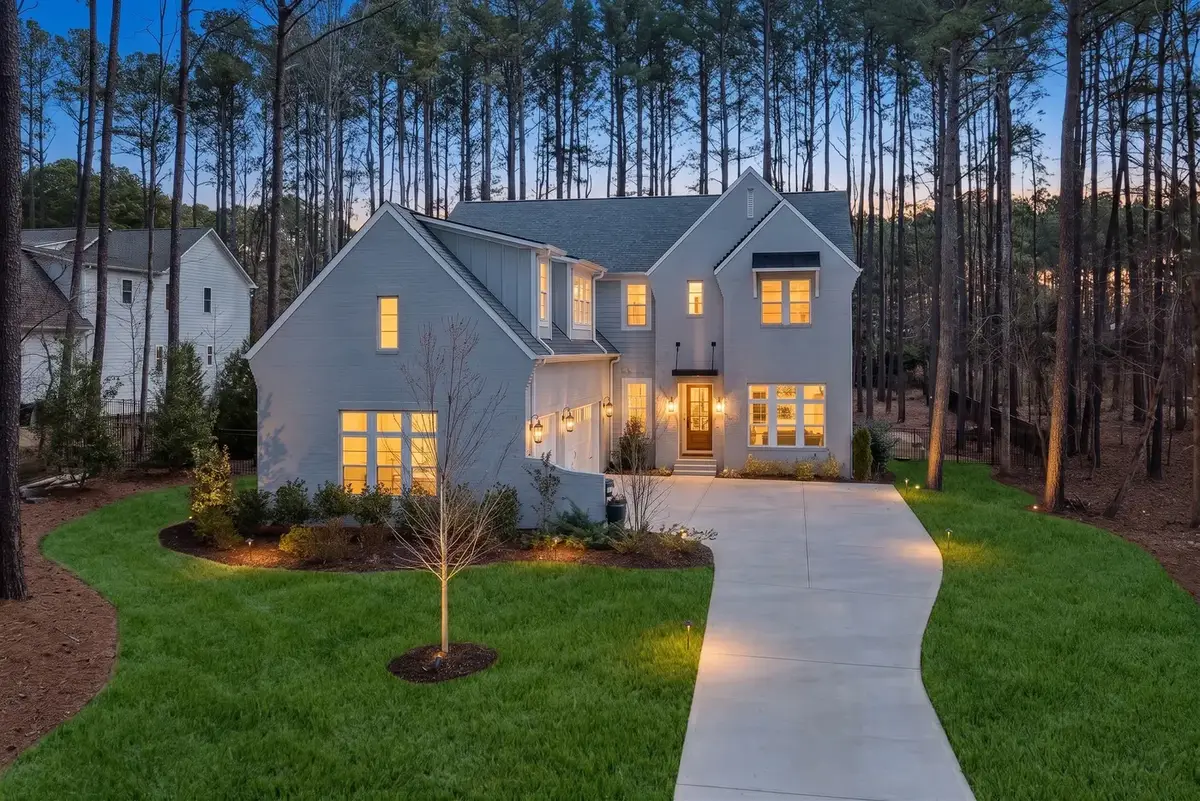
| Twilight | One hero exterior | Doing it to three photos |
| Staging | Empty rooms, rooms with no clear use | Furniture at the wrong scale |
| Custom | Anything you can describe in a sentence | Asking it to change the building |
More on each: virtual twilight and AI virtual staging have their own pages.
Type the change you want
Open a photo in a listing and either pick a tool or write the edit: "clear the kitchen counters", "make the sky blue", "stage this as a home office". A slider compares the result with the original. Keep it, try again, or go back.
Where retouching stops
Fashion retouching has no buyer walking through the subject next weekend. Listing photos do. A water stain on the ceiling, a crack in the driveway, the power lines over the backyard and the gas station next door are all facts about the property. Removing them misleads buyers and can breach MLS rules and, in some states, the law.
A useful test: if a buyer would notice the difference at the showing and feel misled, do not make the edit. Removing the seller's toothbrush passes. Removing the cell tower does not.
A ten minute pass before you publish
- Fix the sky on every exterior that needs it, so the set looks like one afternoon.
- Declutter kitchens and baths. Leave appliances and fixtures that convey.
- Stage only the empty rooms, in one style.
- Choose one exterior for twilight.
- Open every edited photo at full size and look for bent lines, missing outlets and changed windows.
That pass does more for most listings than an hour of retouching single photos.
Labels, originals and the film
Every edit in Property Video Generator is a new version; the original is never overwritten. Edited photos carry a "Digitally enhanced" label and staged ones "Virtually staged", and the label follows the photo into the film and onto the listing website. It cannot be switched off.
The film always uses the active version of each photo, so a twilight exterior can open it and a staged living room can be its longest shot. Edits per listing: 5 free, 10 on Starter, 20 on Pro, 40 on Studio. See pricing.
Edit a photo and see it in a film
Free for 2 listings a month, 5 photo edits each.
Questions
Questions agents ask.
Can I undo an edit?
Yes. Every edit is a version, and the original is always kept.
Do edits cost extra?
No. They are included in every plan up to its limit per listing: 5, 10, 20 or 40.
Can I download the edited photos?
Yes, with their labels, for the MLS and portals.
Will the film update when I edit a photo?
Yes. The film uses the active version of each photo, and only the shots that changed re-render.
Your next listing deserves a film.
Upload the photos from a real listing and watch the film before you pay anything. 2 free listings a month, no card.