Listing films
Your listing photos, edited like someone sat with them.
Upload the photos from the shoot. We pick the shots worth using, put them in the order you would walk a buyer through, and render five cuts of the same edit in a few minutes.
2 free listings a month · No card
What you get
Listing films, in detail.
It opens on the best photo
If the strongest frame is the dock at sunset, the film opens on the dock, with a line written for that shot. The front door can wait.
Holds that follow the room
A wide living room with a view might sit for four seconds. A tile detail gets one. Shot length comes from the photo and the music, so there is no fixed 2 or 3 second metronome.
Fewer, better photos
Send 34 photos and the film might use 19. Near duplicates and the weaker of two similar angles are left out, and you can put any of them back.
Motion from depth, not invention
Push in, pull out, orbit, crane, pan or hold, built from the depth in each still. The window stays where the photographer framed it.
Five cuts, one edit
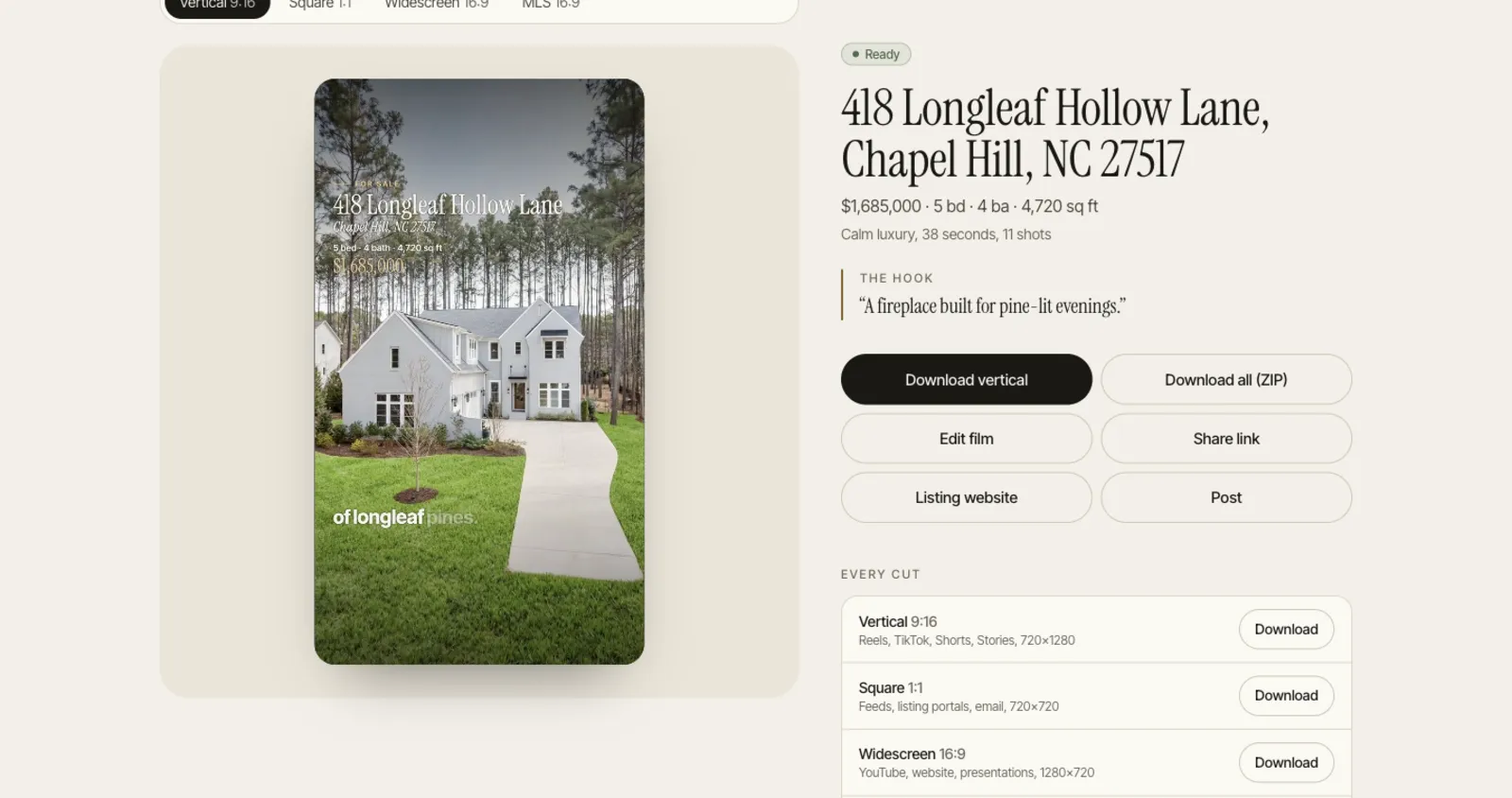
Vertical 9:16 at 1080x1920, portrait 4:5 at 1080x1350, square 1:1, widescreen 16:9 and an unbranded MLS 16:9. Every shot is reframed for each screen rather than centre cropped.
Sound, if you want it
Narration in 10 languages, captions timed to each word, and a score cut to the edit. Paid plans add sound design under it.
Three vibes
Calm luxury holds shots longer over a warm score. Bright family moves lighter. Bold modern cuts on the beat with graphic captions.
Paid plans can add a few generated hero shots per listing (Starter 4, Pro 8, Studio 12). Each one is checked against its source photo and labelled in the film. The free plan uses depth motion only.
How it works
How you use it.
- 01
Add the address and photos
Up to 40 JPEG, PNG or WebP files, 25 MB each, or paste a Redfin, Realtor.com or brokerage listing link. Price, beds and baths are optional but make the script better.
- 02
Pick a vibe and a voice
Choose one of 10 voices and a language, record your own, or go music only.
- 03
Sign in and render
You only sign in when you press create. Close the tab if you like: we email you when the cuts are ready, usually a few minutes later.
Why five cuts and not one
A 16:9 video posted to Reels plays as a small strip with black above and below, and a centre crop of it cuts the pendant light in half. So each cut is framed on its own. The 9:16 keeps captions out of the bottom caption area and the right-hand button rail. The 4:5 is the portrait shape the Instagram and Facebook feeds have long favoured for posts that are not Reels. Square still earns its place in email and on some portals, even though it is fading on Instagram. Widescreen goes to YouTube and your website. The MLS cut drops your contact details, because many MLSs require the virtual tour link to be unbranded (rules vary by MLS, so check yours).
Questions
Questions agents ask.
How many photos do I need?
Three is the minimum. Ten to twenty five gives the edit real choices. A 600 sq ft condo with 12 good photos makes a tight 30 second film; a 5 bedroom with 38 photos will run closer to a minute.
How long is the film?
Usually 30 to 60 seconds, depending on how many strong photos there are and the vibe. Ask for under 30 seconds in the editor and it trims holds and drops the weakest shots first.
Can I upload video clips or drone footage?
Not today. Films are made from still photos only, including every demo on this site. If you have a drone still, upload it as a photo.
Can I use it for rentals?
Yes. Set the listing to for rent and the opening line, script and website talk about rent instead of price.
Your next listing deserves a film.
Upload the photos from a real listing and watch the film before you pay anything. 2 free listings a month, no card.