How it works
You do three things. The film takes a few minutes.
Add the address and your photos, pick a vibe, press create. Everything after that, from choosing the opening shot to framing the 9:16 cut for a phone, happens on our side while you get on with your day.
2 free listings a month · No card
Your part
About two minutes of your time.
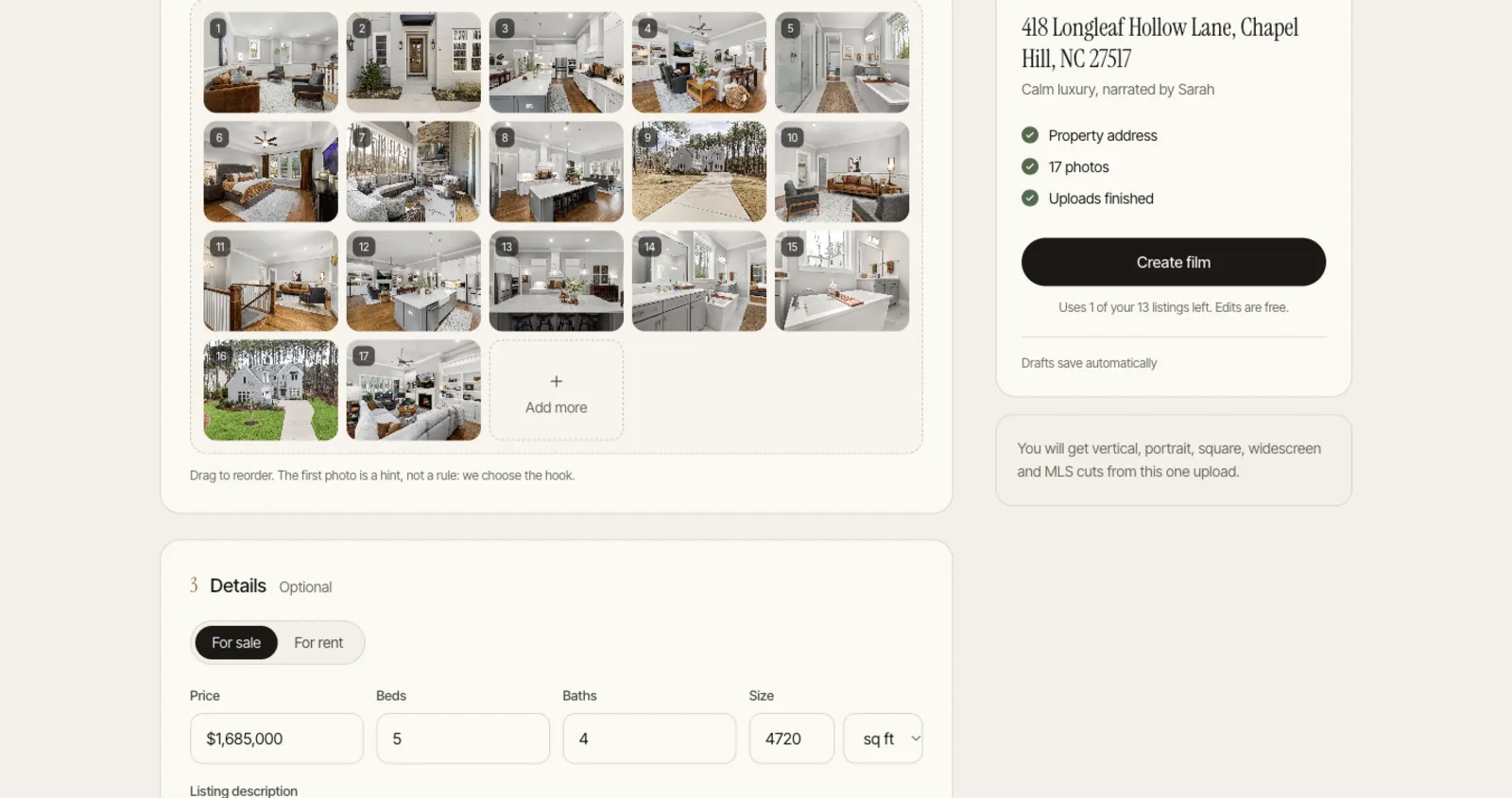
Real screens from the app, with a demo listing.
Our part
What happens after you press create.
1. Reading the photos
Each photo is tagged by room and scored for light and composition. Three near identical angles of the same bedroom become one, and the weakest frames are left out.
2. Planning the story
The strongest image becomes the hook, which is often not the front of the house. The rest follow the order you would walk it, and shot lengths vary with the room: the kitchen gets longer than the laundry.
3. Animating with depth
Each move (push in, orbit, crane, pan or a plain hold) is rendered from a depth map of the still photo, so walls and windows stay exactly as photographed.
4. Voice and captions
A short script is written from your photos and details, checked against the facts you gave, voiced in one of 10 voices and 10 languages, and captioned word by word. Or record your own.
5. Scoring the edit
Music is scored to the vibe and the cuts are timed to its beats, with quiet sound design under the transitions.
6. Cutting for every feed
The same edit is reframed shot by shot for 9:16, 4:5, 1:1 and 16:9, plus an unbranded 16:9 cut for the MLS virtual tour field.
A real shot list
Not a fixed two seconds a photo.
- 0:00OutdoorA fireplace built for pine-lit evenings.
- 0:03ExteriorOn one wooded acre of longleaf pines.
- 0:07Living roomUpstairs, a loft lounge with wainscoted walls.
- 0:11KitchenQuartz counters stretch across an oversized island.
Questions
Questions agents ask.
How long does it take?
Usually a few minutes. The progress screen shows each real step. Close the tab if you like; we email you when the film is ready.
Do I have to sign up first?
No. You add photos and choose settings without an account, and sign in with Google or an emailed code only when you press create.
What if I do not like the result?
Change it in the editor, or ask the AI Director in plain words, like "open on the pool". Edits do not use another listing, and only the parts you changed re-render.
Your next listing deserves a film.
Upload the photos from a real listing and watch the film before you pay anything. 2 free listings a month, no card.